Built for real life, not just shuffled
Powered by advanced audio models to deeply understand your listening needs and deliver seamless acoustic pleasure.
 中文
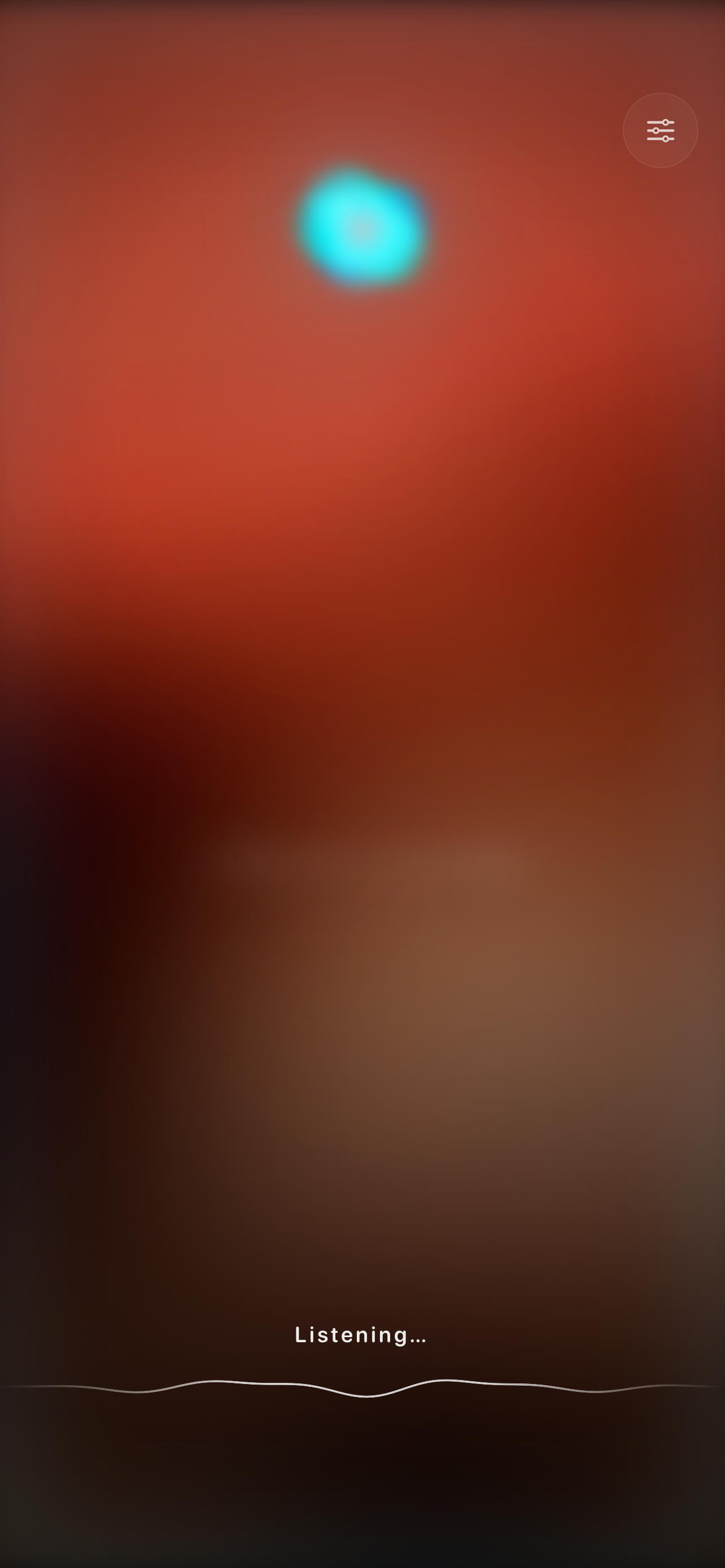
中文 Hold to talk. Your personal AI DJ cues the next song and speaks for a few seconds to explain why it fits the moment.
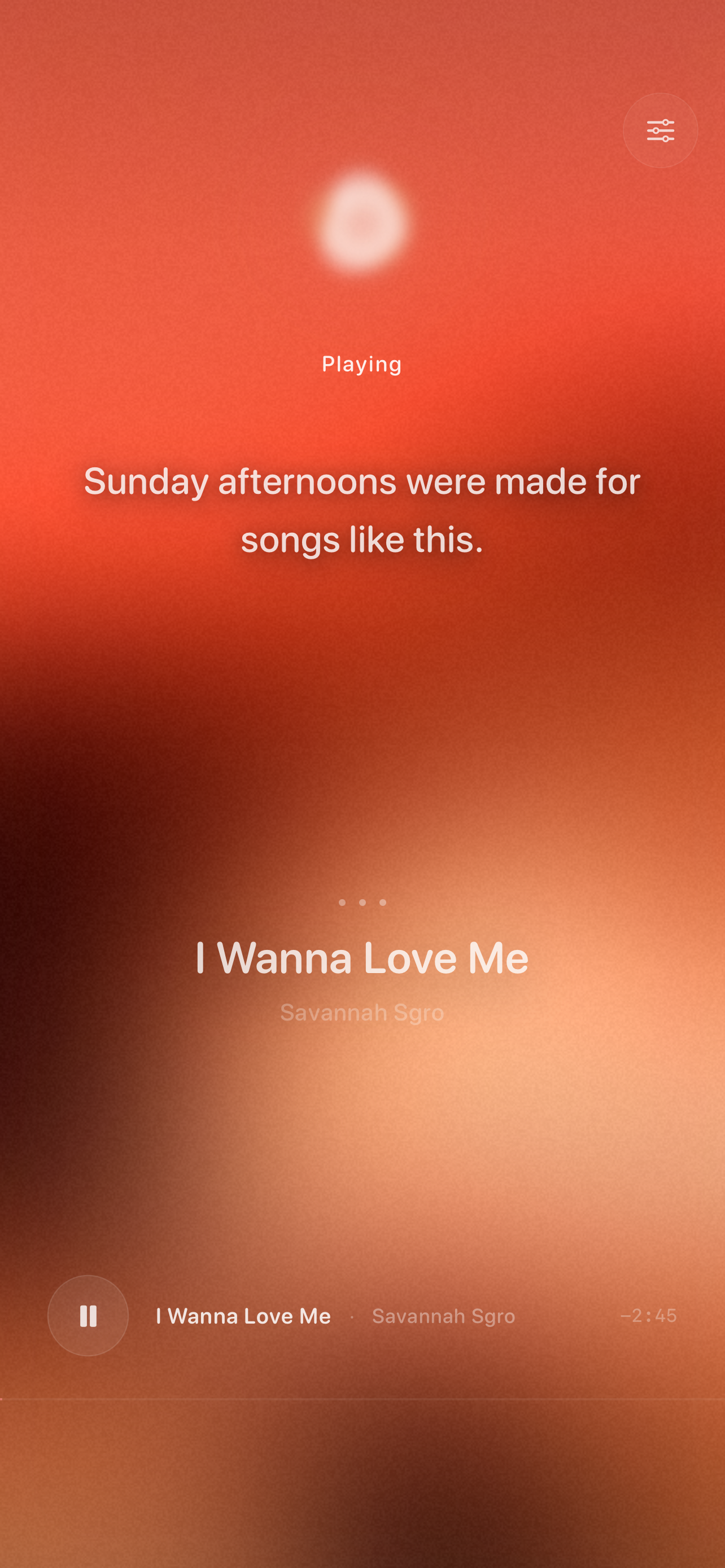
Powered by advanced audio models to deeply understand your listening needs and deliver seamless acoustic pleasure.
Powered by advanced audio models to deeply understand your listening needs and deliver seamless acoustic pleasure.
Powered by advanced audio models to deeply understand your listening needs and deliver seamless acoustic pleasure.
Sign in with Apple with seamless device sync
Voice processing follows strict data-minimization
AI is exclusively used for music understanding and commentary
Your data is fully controllable and erasable anytime
Currently focusing exclusively on iOS to deliver the deepest native audio experience and system-level optimization.
Never. We adhere to a music-first philosophy. Commentary is extremely restrained, softly playing only during essential atmosphere transitions.
You can delete specific preference data anytime via in-app settings or by contacting support@manymind.chat. Full data erasure requests are completed within 30 days.
By integrating real-time streaming communication, state-of-the-art cloud models, and advanced speech synthesis for zero-latency interactions.
Only the minimum data necessary to provide the service: your Apple account identifier, basic device info, and voice request processing data. Voice data is processed in real-time during sessions and is not persistently stored. See our Privacy Policy for details.
You can delete your account via in-app Settings → Account → Delete Account, or email support@manymind.chat. All associated data is permanently erased within 30 days of deletion.